
The Ultimate MCOC
Tactical Advantage
CereBro is the complete toolkit for MCOC players and alliances. It offers powerful quest planning, war strategy tools, and a Discord Bot for daily utility.
New here? Join the community first for help and updates. Add CereBro to your own Discord server when you're ready to set it up for your alliance.
Live Community Stats
5+
5+
235+
1+
Plan Better. Win More.
Stop using spreadsheets. Manage your questing and war strategy on a big screen with tools built specifically for the game.
Advanced Quest Planner
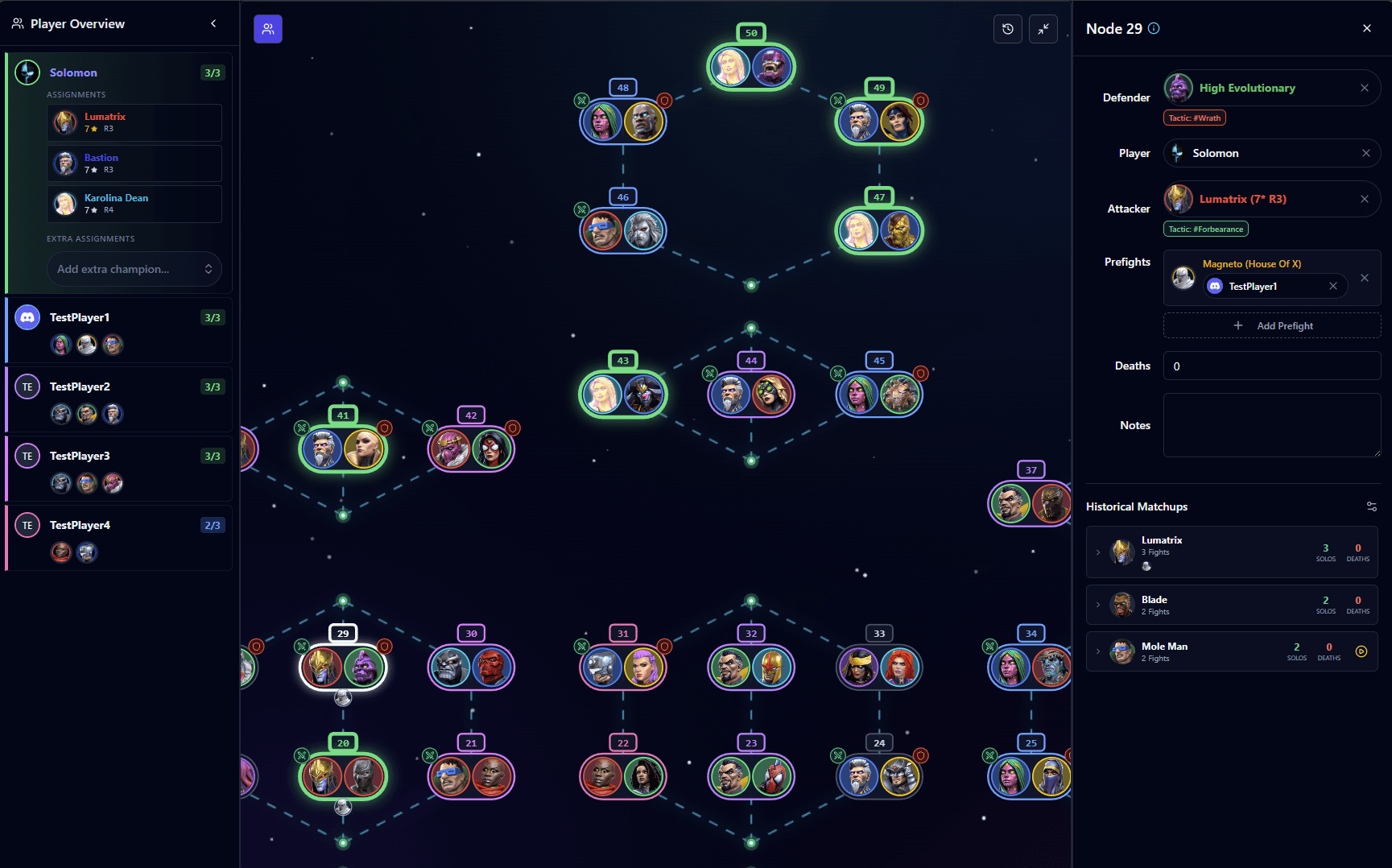
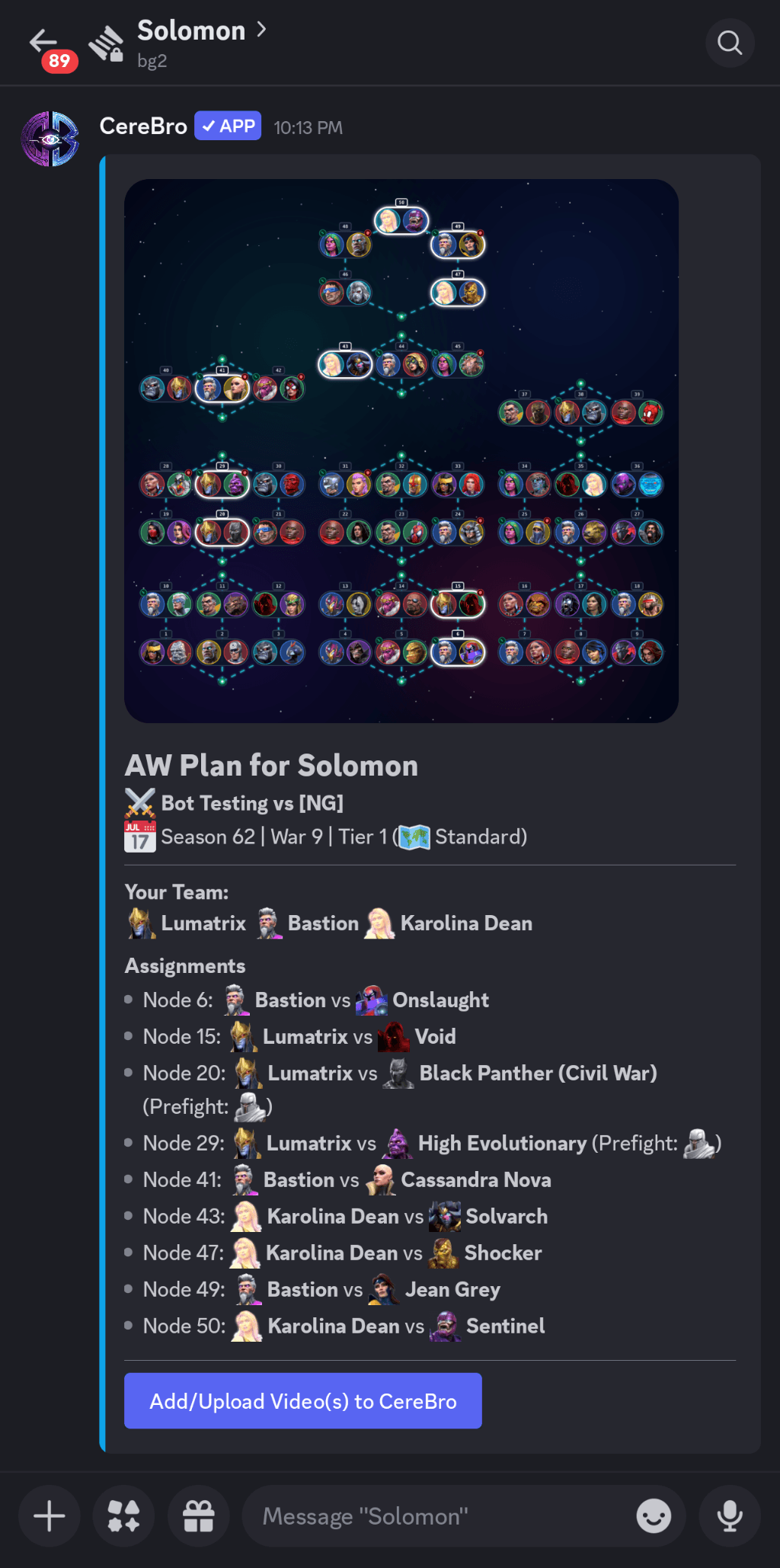
Build the perfect team with the Quest Planner. See the path ahead, identify the most popular counters from community data, and optimize your run.
Open Quest Planner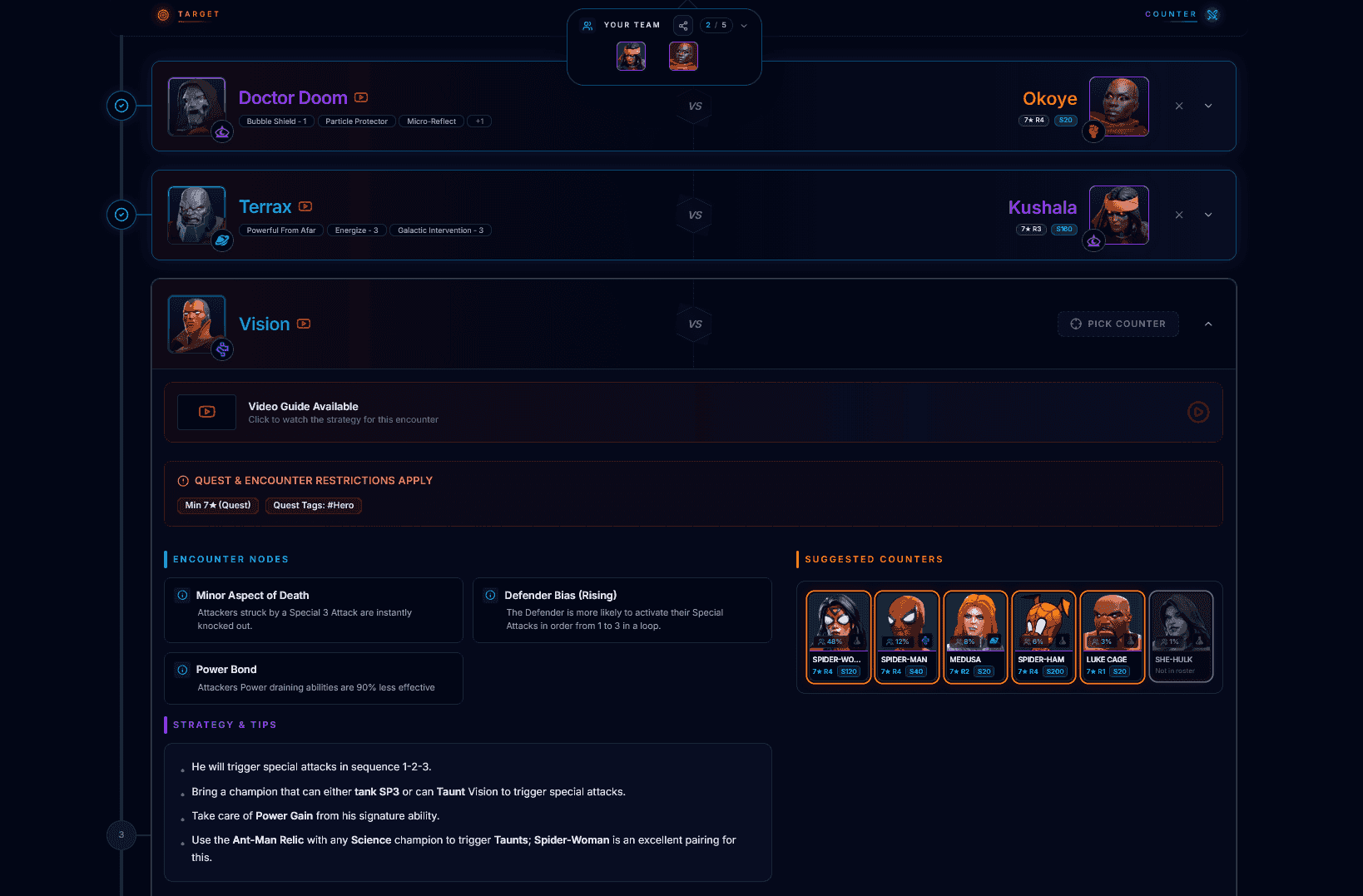
Interactive War Map
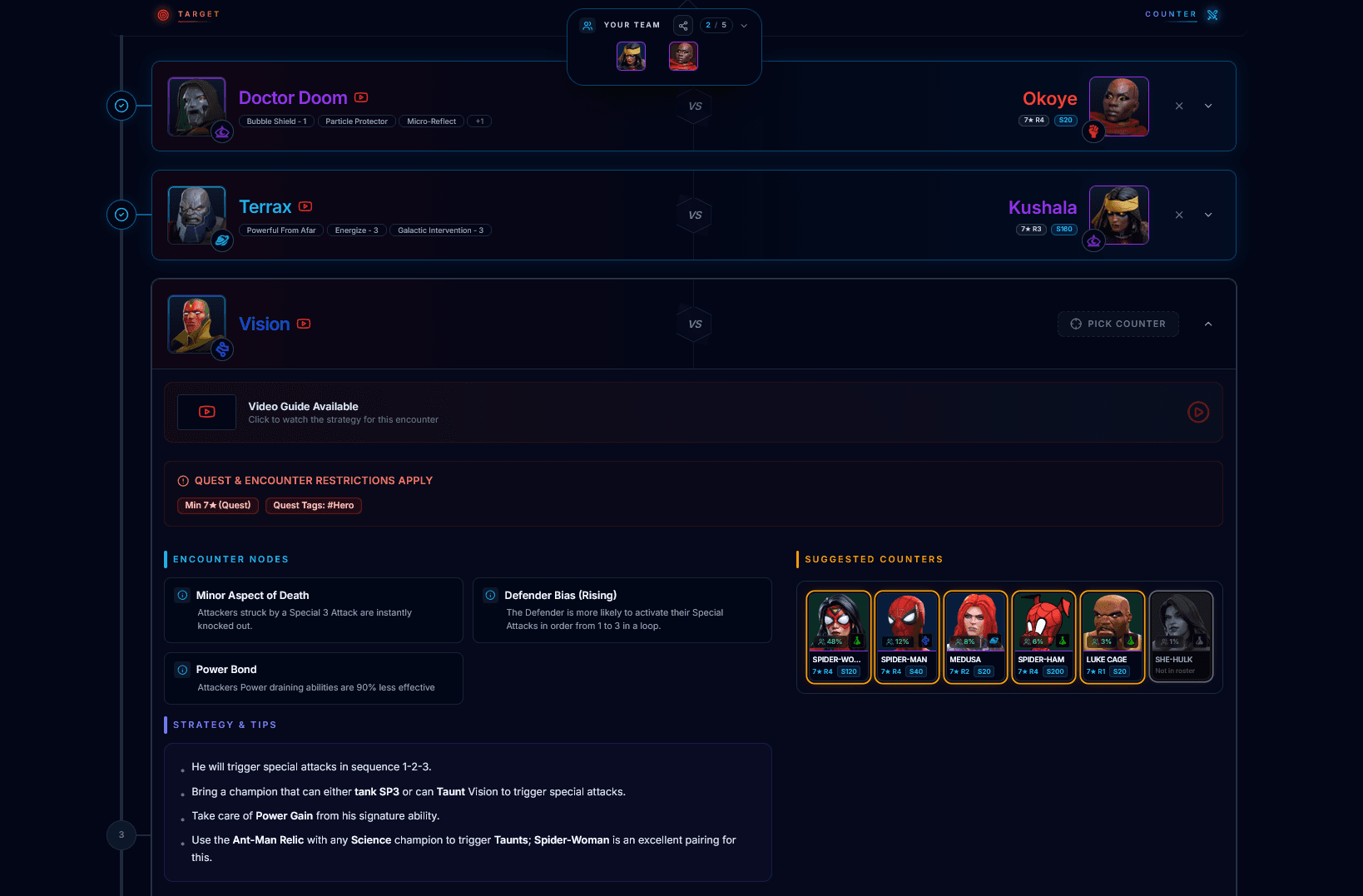
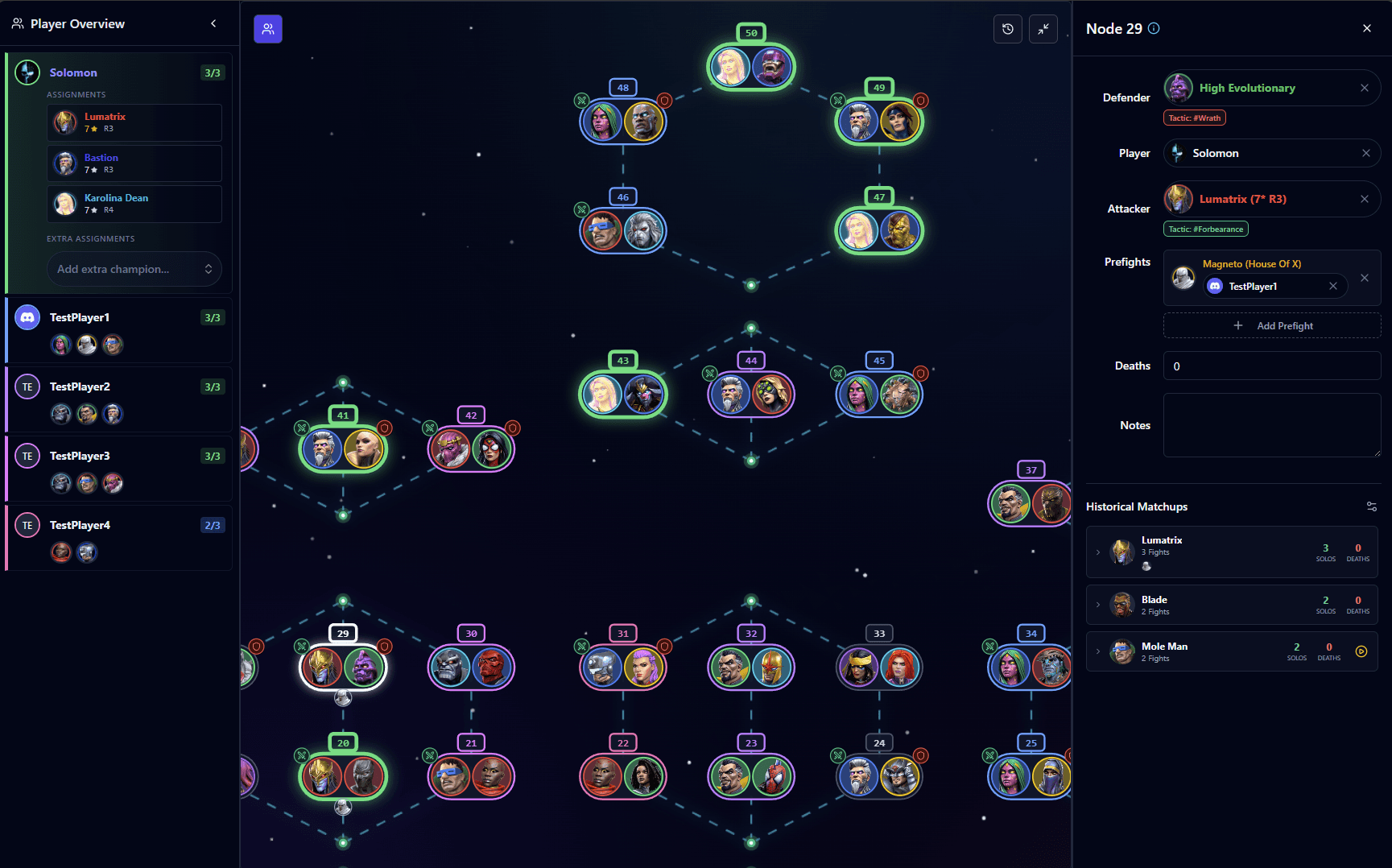
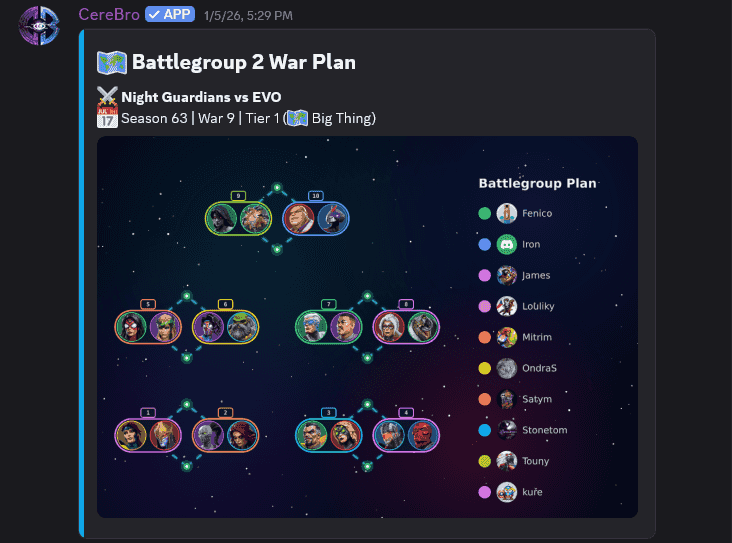
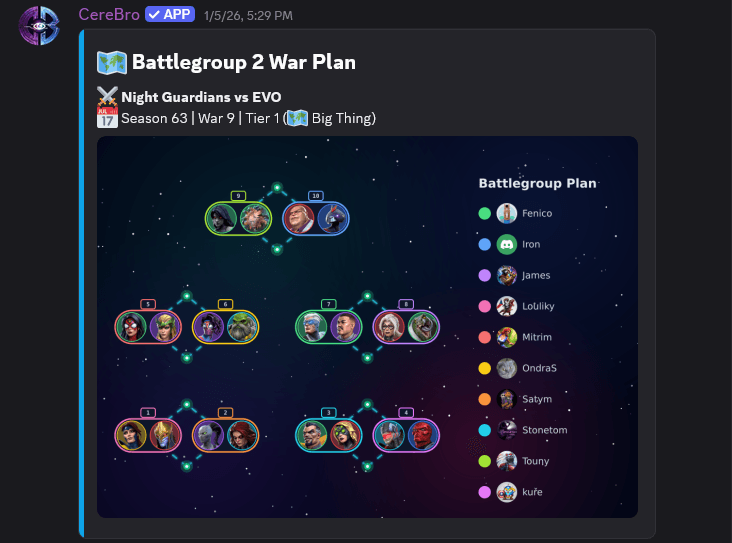
Plan your Attacks and Defense with player's rosters right at your fingertips. Assign nodes, see the whole board, and execute your strategy. It's the easiest way to plan Alliance Wars.
Open War Planner
Video Library
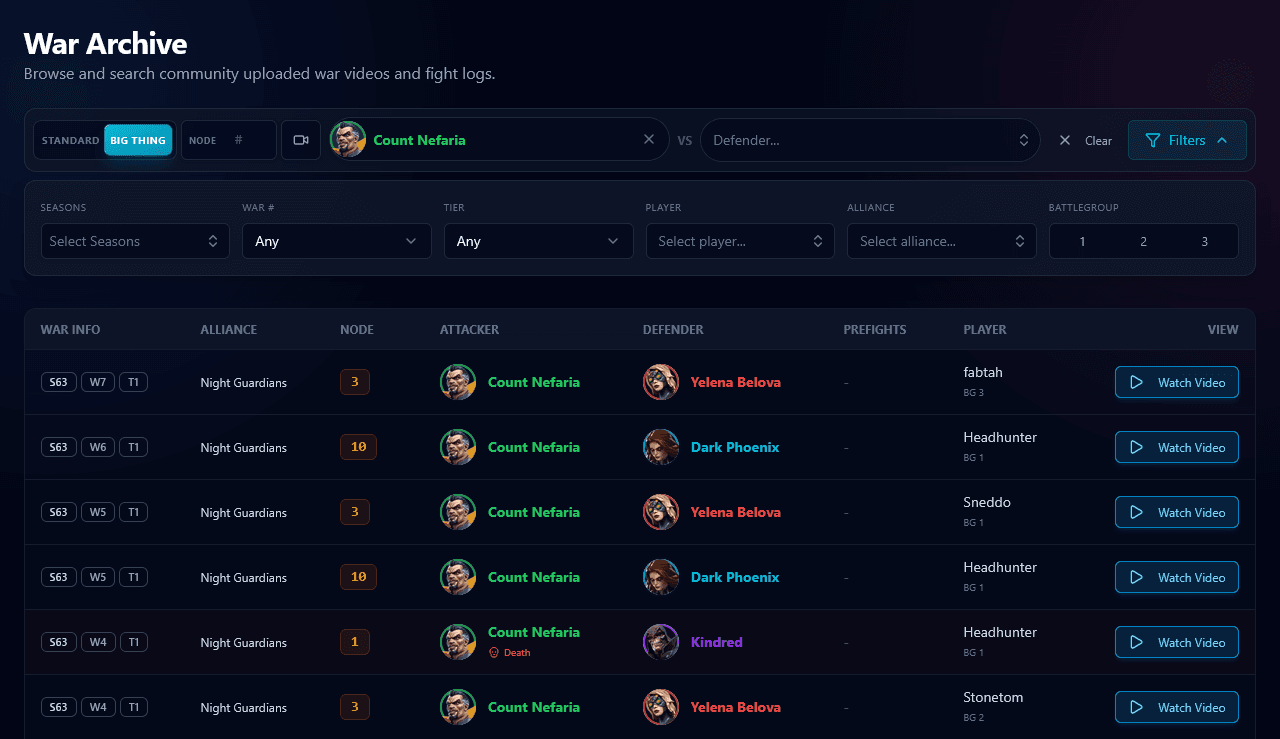
Upload fights, tag matchups, and find proven counters when the next war plan needs an answer.
Browse Archive
Smart Roster & Prestige
Filter your roster, simulate rank-ups, and spend signature stones where they move the needle.
View Roster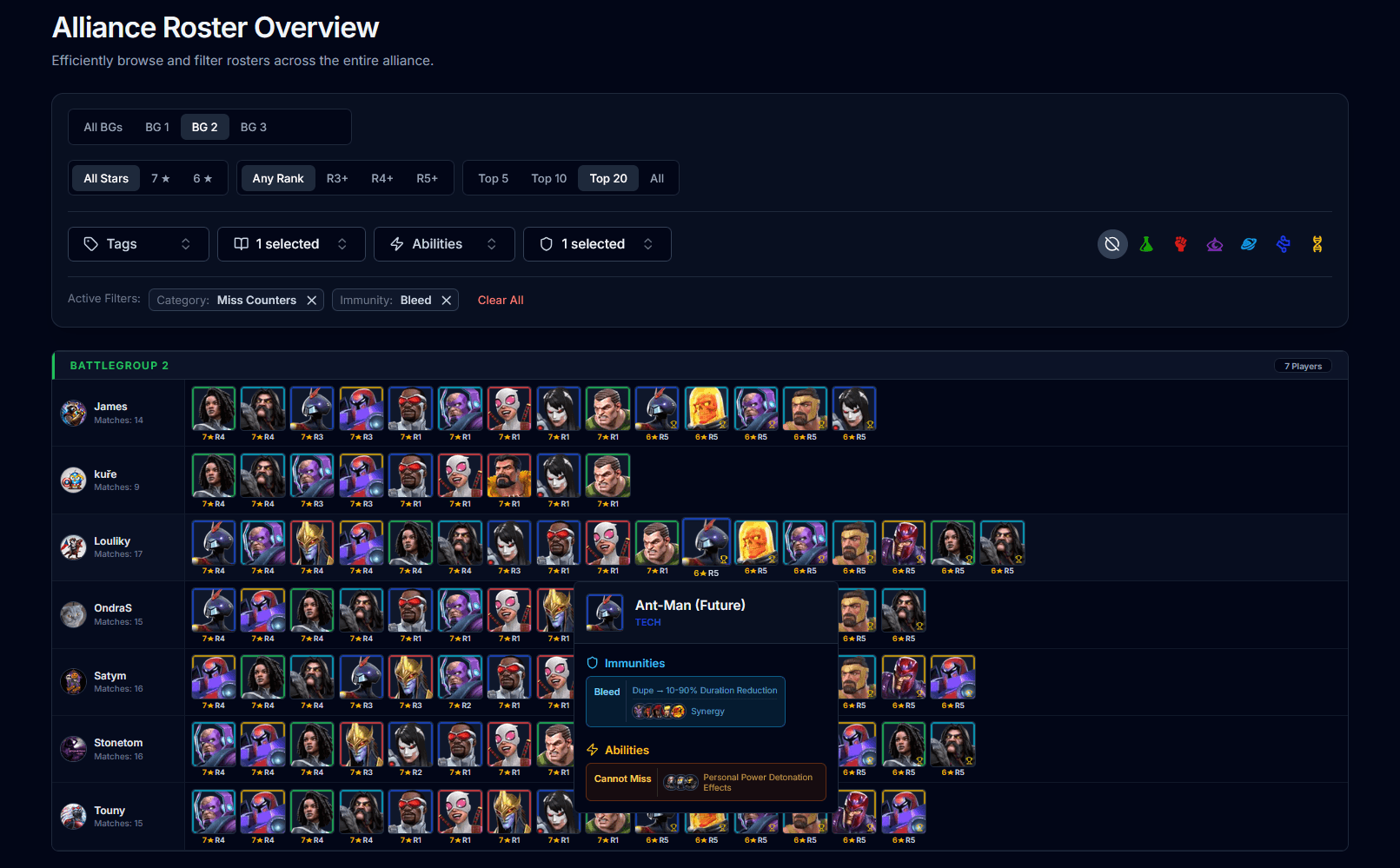
Alliance Roster Overview
Give officers a searchable alliance-wide roster for defenders, counters, and battlegroup coverage.
Open Alliance RosterYour Daily Helper
Get info, reminders, and roster updates without leaving your chat app.
Instant Champion Intel
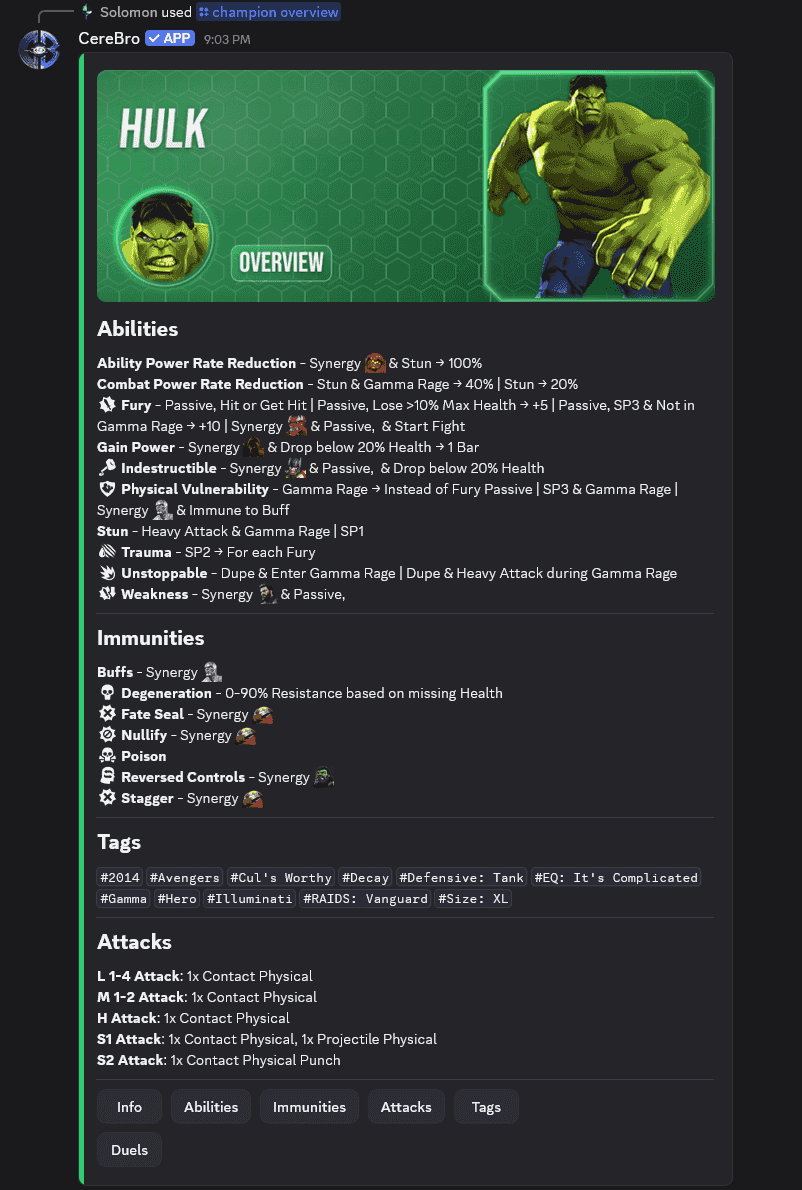
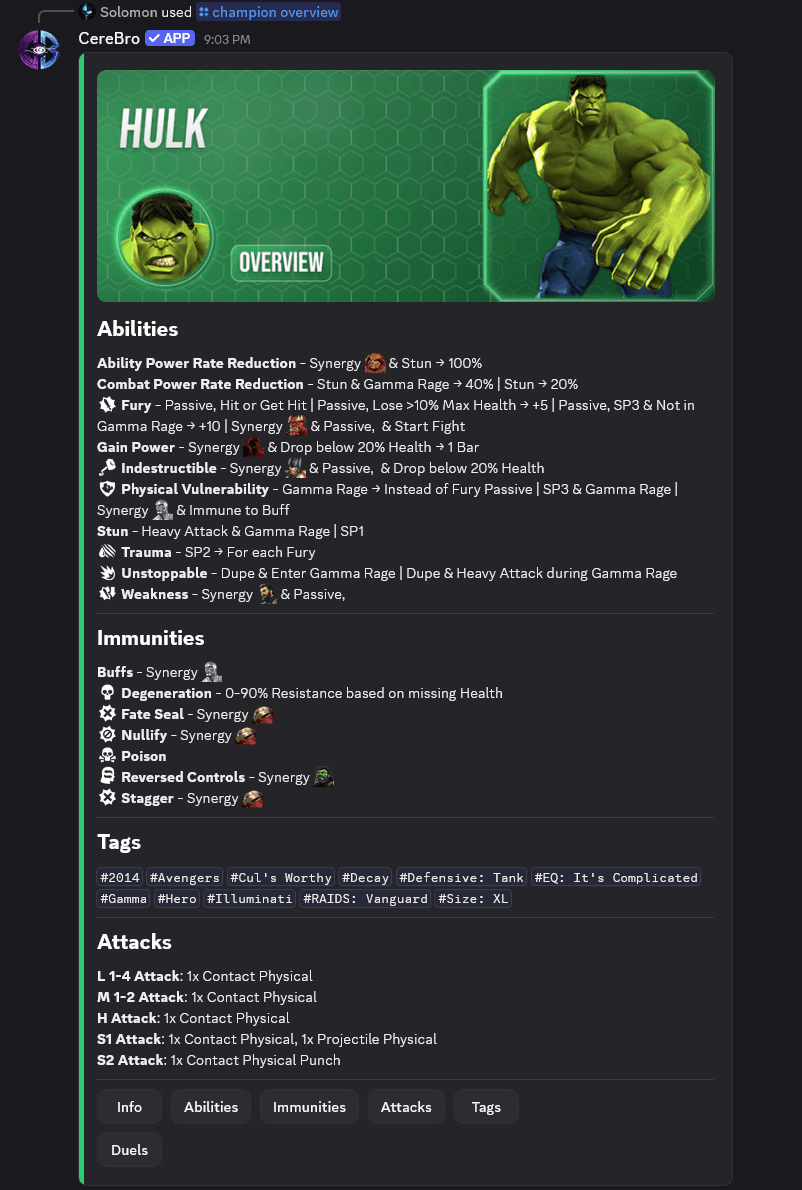
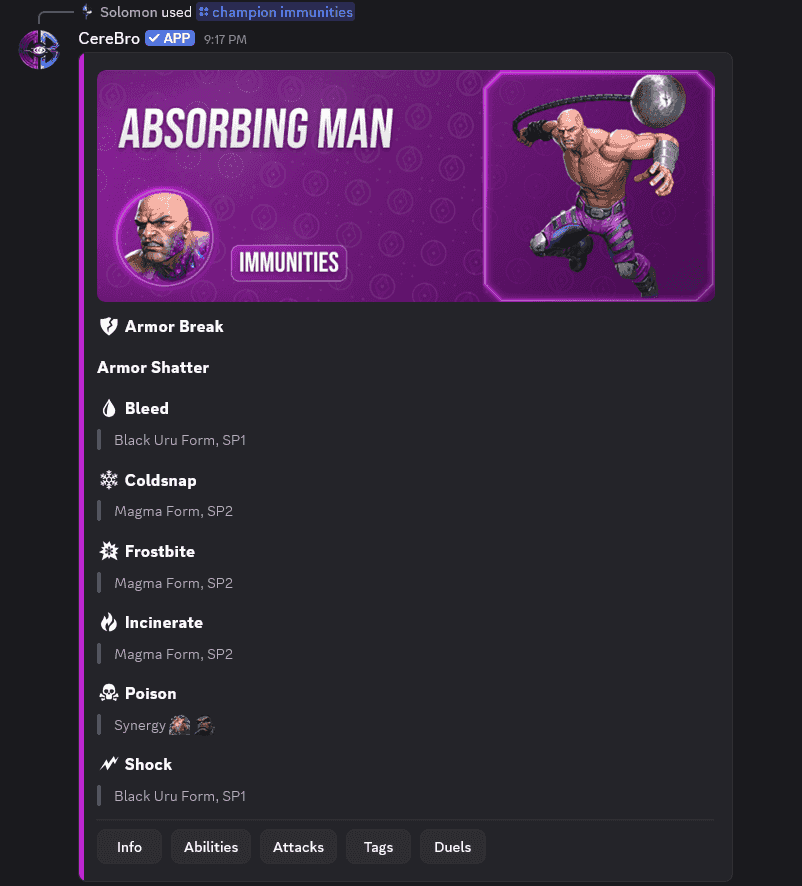
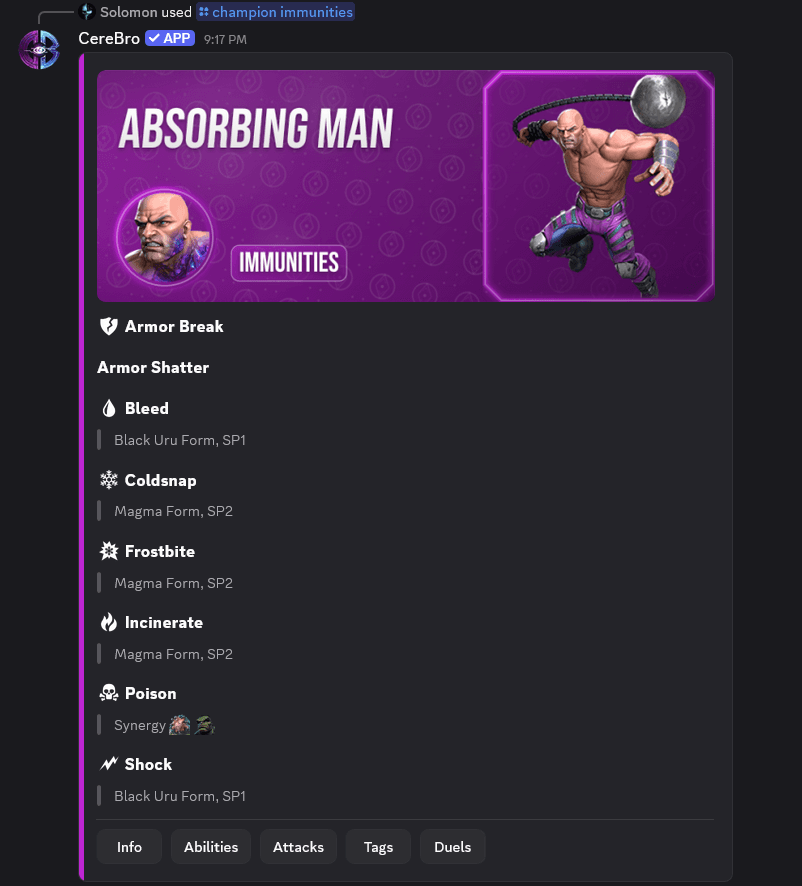
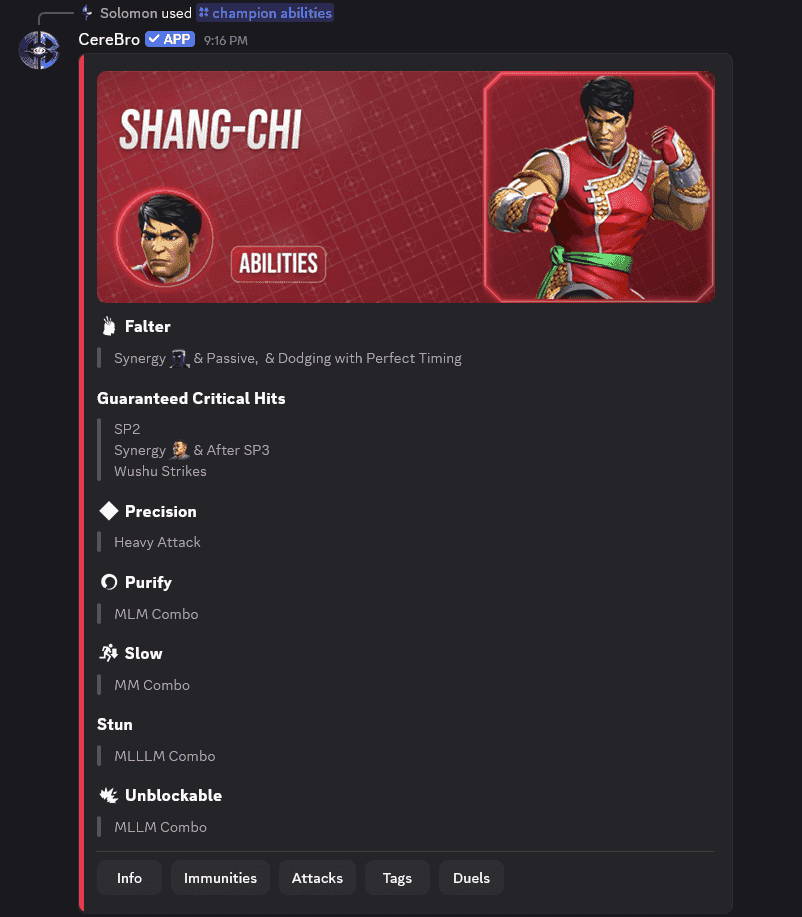
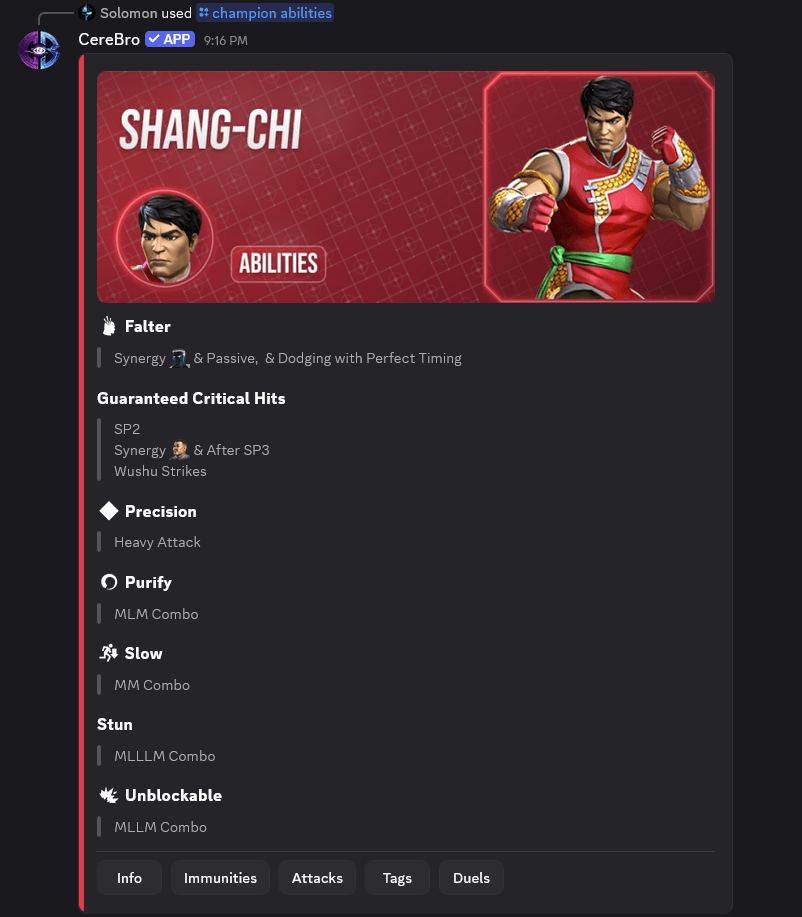
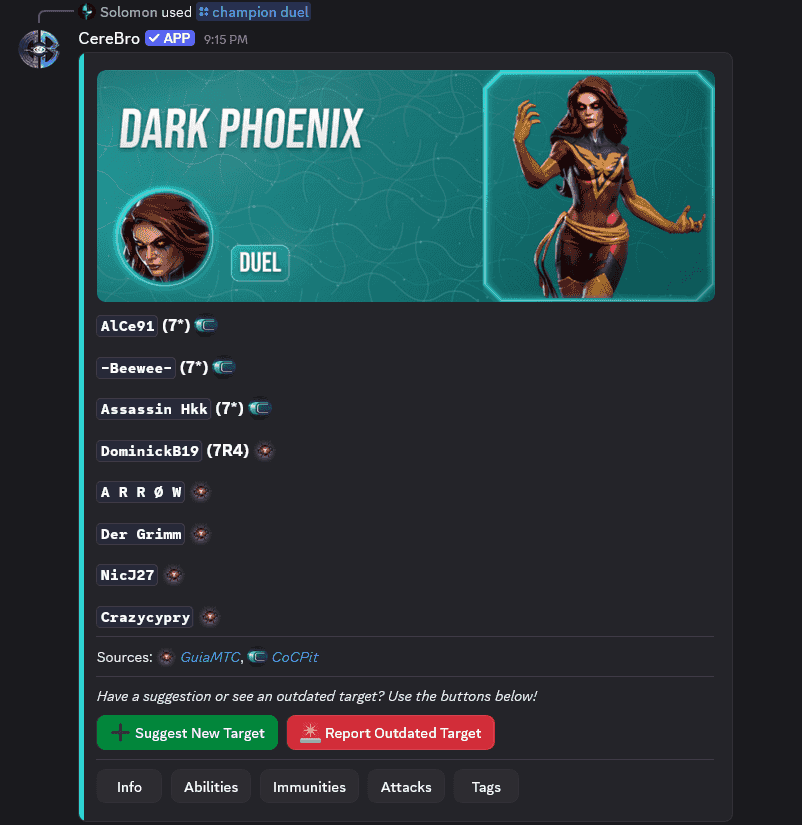
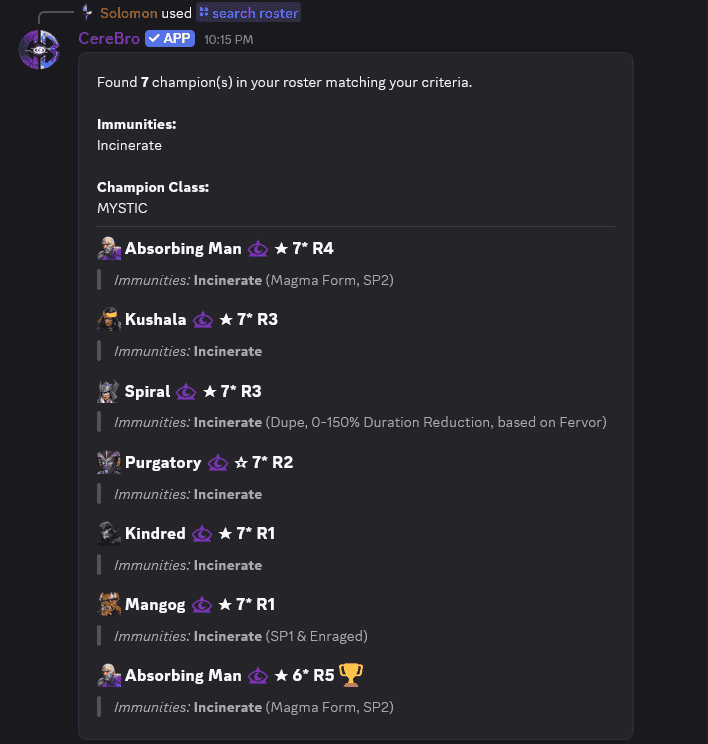
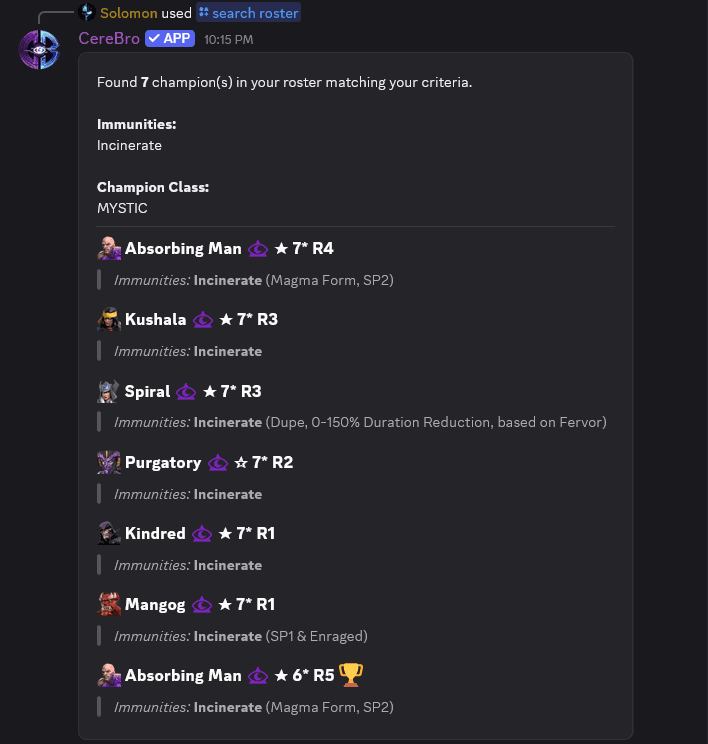
Get abilities, immunities, and duel targets instantly. Powerful search tools let you query the game glossary or find the perfect counter in your roster.
Roster & Prestige
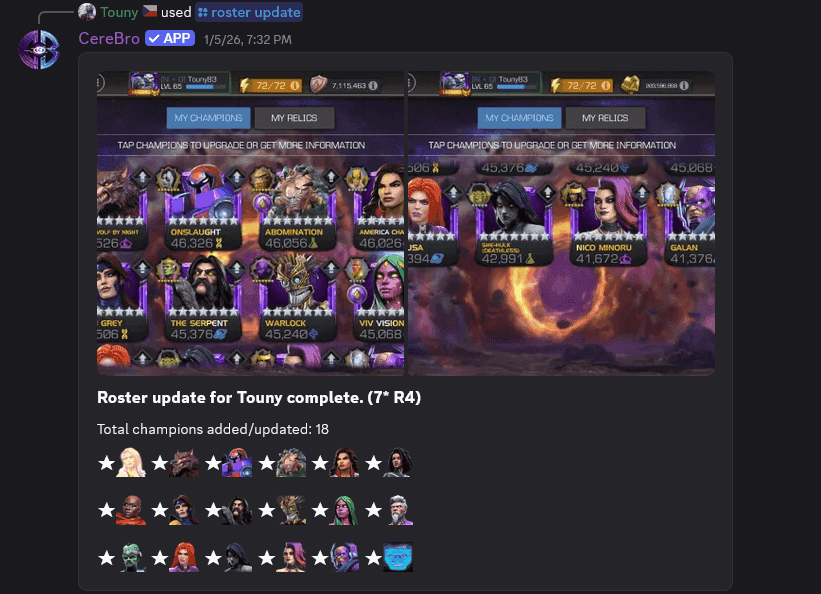
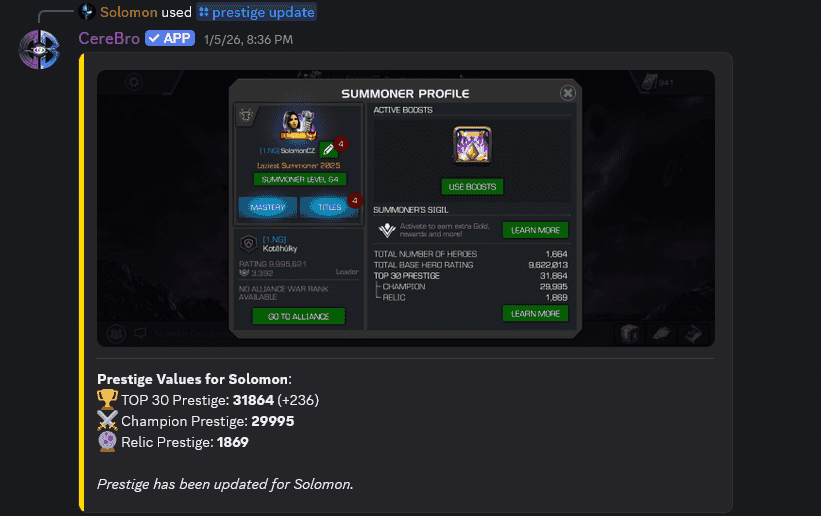
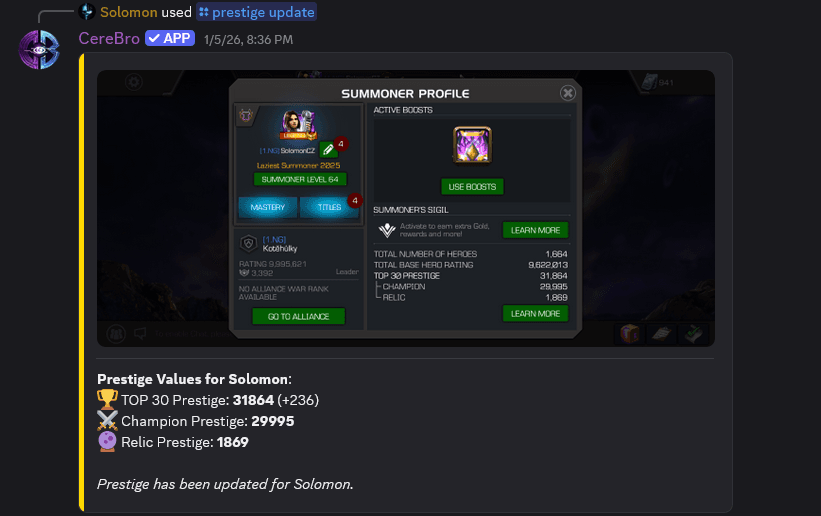
Update your roster in seconds. Just upload screenshots, and our image processing technology adds your champions automatically.
War & Quest Support
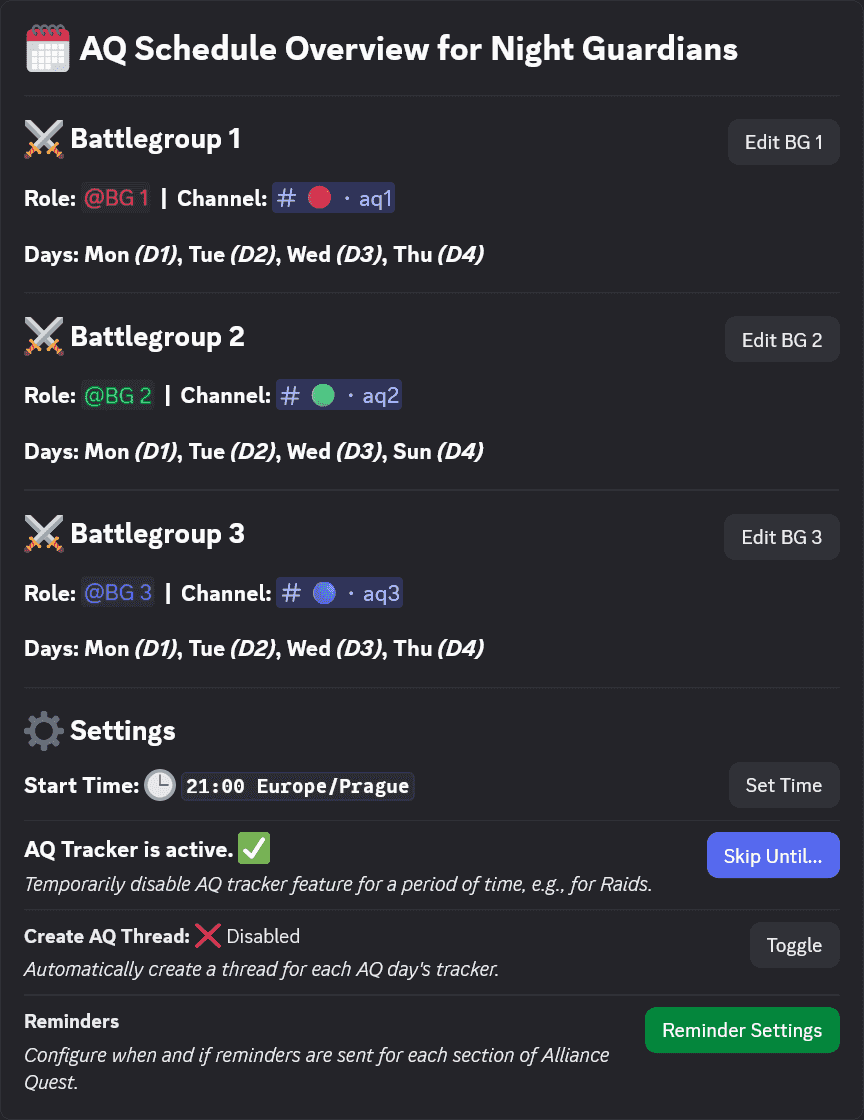
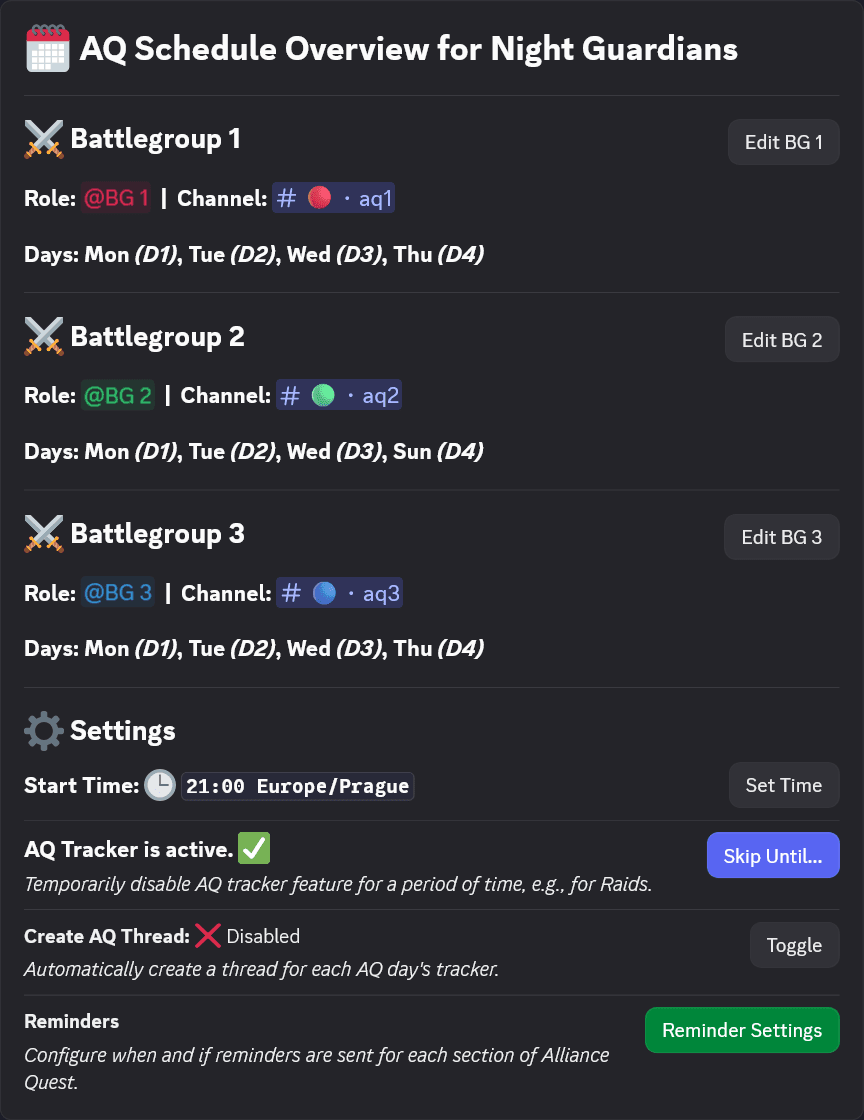
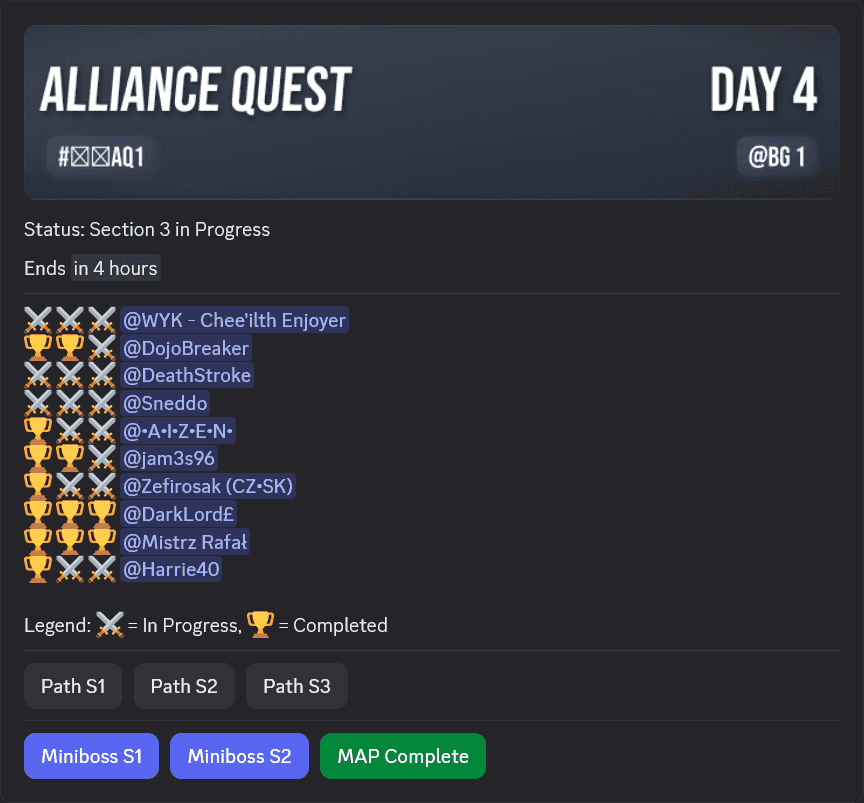
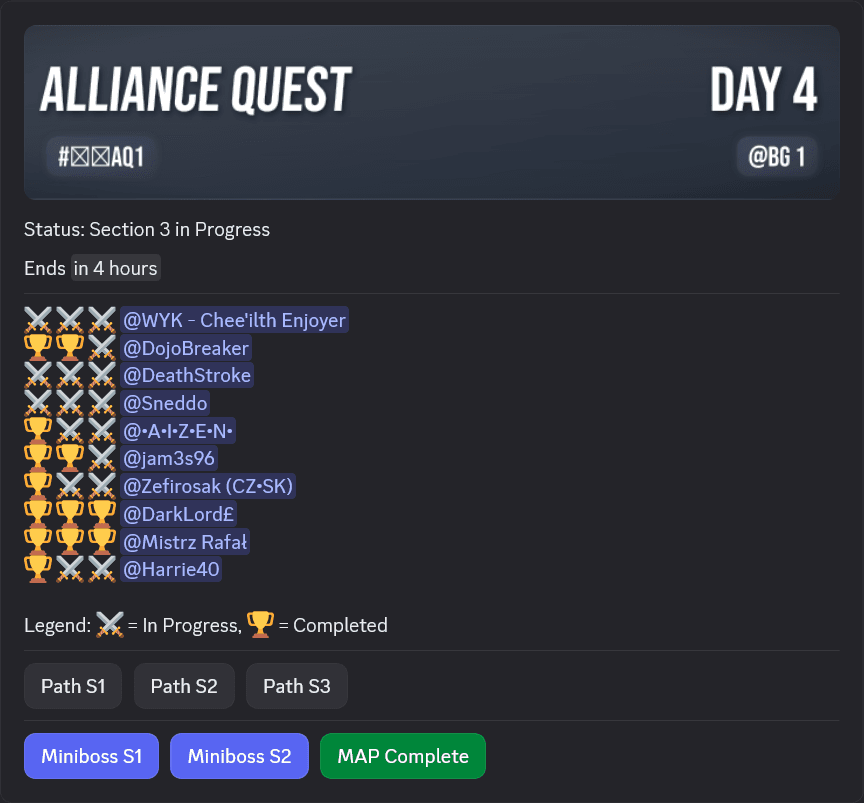
Receive your War assignments directly in your DMs. Track Alliance Quest movement and stay coordinated with smart alerts.
Real Setup Flow
A practical onboarding path for both officers and members.
- 01
Step
Join the Community
Start here if you are new
Join the CereBro Discord server first. You can ask setup questions, see updates, and avoid common mistakes.
Community supportSetup helpAnnouncements - 02
Step
Start from Discord or Website
Two valid officer paths
Preferred flow: invite CereBro to your Discord server and the alliance is created automatically. Website onboarding is also available for create/join requests.
Invite bot (auto-create)Website onboardingJoin requests - 03
Step
Link Server (Only If Needed)
Website-first alliance fallback
Only needed when an alliance was created on the website before Discord setup. Generate a link code in Alliance settings, then run the link command in Discord.
Website-first allianceGenerate link code/alliance link code:XXXX - 04
Step
Complete Member Setup
Actual member onboarding
Members are added through Discord role sync or by requesting to join an alliance on the website. Officers review and accept requests.
Discord role syncWebsite join requestOfficer approval
Officer flow and member flow are different. Members join through role sync or website requests; server linking is only for website-first alliances, while channel configuration remains an officer task.
Ready to get started?
Join the community Discord for setup help, updates, and support. Add CereBro to your own server once you're ready to use it for yourself or your alliance.
Questions